
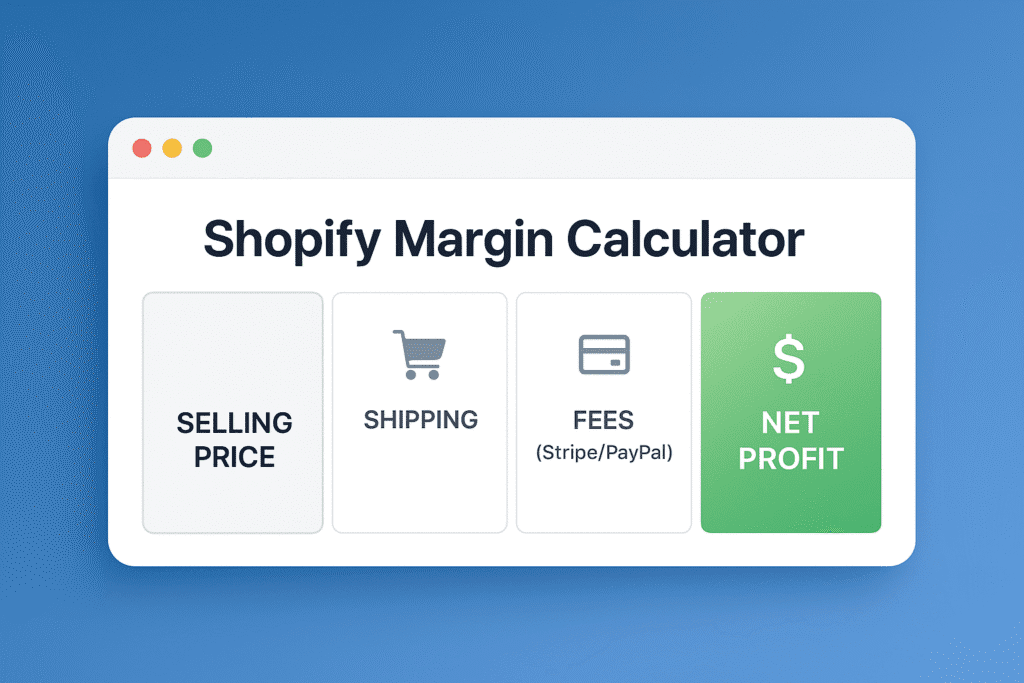
🛍️ Shopify Margin Calculator
Transaction Fees:
$0.00
Break-Even ROAS:
0.00
Margin:
0%
Net Profit:
$0.00
How to Use This Profit Calculator
Stop guessing your numbers. Follow these steps to see if your product is actually profitable:
- Selling Price: Enter the amount you plan to charge customers on your Shopify store.
- Product Cost (COGS): Enter the total cost to buy the item from your supplier (AliExpress, CJ Dropshipping, or Zendrop).
- Shipping Cost: Add the shipping fee your supplier charges you. Pro Tip: If you offer “Free Shipping,” this cost is 100% on you.
- Ad Spend (CPA): Estimate how much you spend on Facebook/TikTok ads to get one single sale (Cost Per Acquisition).
- Select Processor: Choose PayPal or Shopify Payments to automatically deduct the correct transaction fees.
Understanding Your Results
What is Break-Even ROAS?
This is the most critical number for dropshippers using paid ads.
- ROAS (Return on Ad Spend) measures how effective your ads are.
- Break-Even ROAS is the specific number where you make exactly $0 profit.
- The Rule: If your actual Facebook Ad ROAS is higher than the number shown in this calculator, you are making money. If it is lower, you are losing money.
What is a “Healthy” Profit Margin?
- 0% – 15% (Danger Zone): You are vulnerable. One refund or a bad ad day will wipe out your weekly profit.
- 15% – 25% (Standard): This is typical for high-volume dropshipping products.
- 30%+ (Excellent): You have a strong brand or a unique viral product with low competition.
Frequently Asked Questions
Does this calculate the Shopify Subscription fee?
No. This tool calculates profit per unit sold. Your monthly subscription (e.g., $29/month) is a fixed cost that comes out of your total monthly profit.
How do I lower my Break-Even ROAS?
The only ways to lower your Break-Even ROAS are to increase your selling price or decrease your product cost. Use the calculator above to see how raising your price by just $2 affects your required ROAS.