
Every time you land a contract, the same anxiety kicks in: “How much of this money will actually hit my bank account?” Between the Upwork freelancer service fee, withdrawal charges, and currency exchange rates, a $1,000 project often looks more like $850 by the time it reaches you.
We built this Upwork Fee Calculator (Updated for 2025) to give you the exact numbers instantly. Stop guessing and start pricing your services correctly to protect your profit margins.
The Upwork Fee Calculator
🌍 Universal Upwork Calculator
Calculate your earnings in any currency with live fee breakdowns
Upwork processes all payments in USD, then converts to your currency
Standard rate is 10% flat. Enter your contract-specific rate if different.
Default fees: Bank ($0.99), Payoneer ($2.00), PayPal (2%), Wire ($30.00). Edit if your rates differ.
Key Takeaways: Upwork Fees in 2025
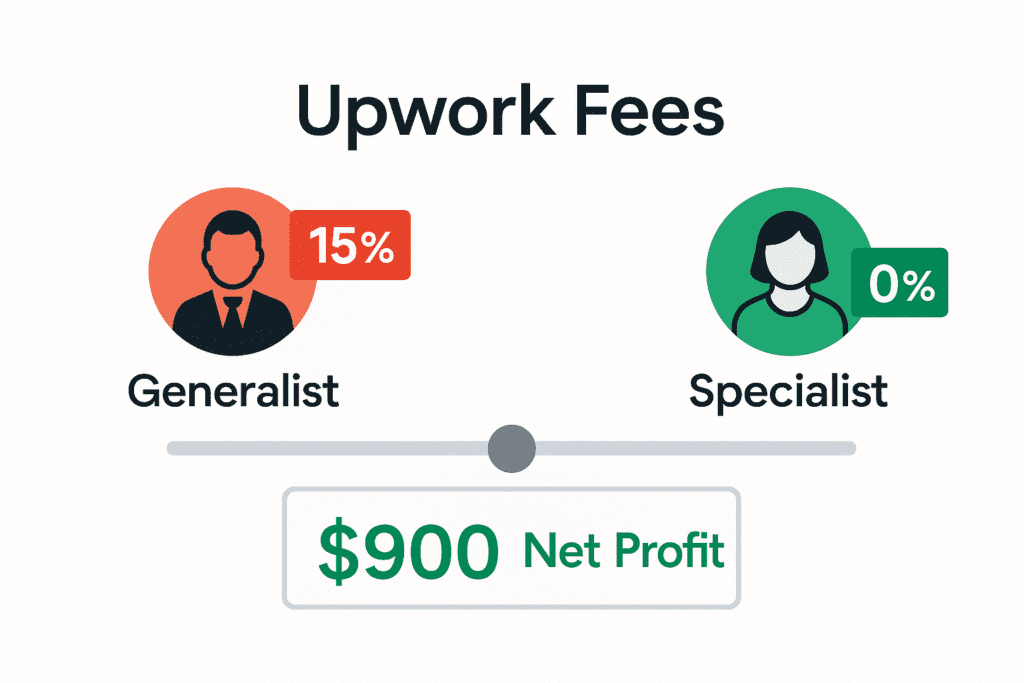
- New Service Fees: Upwork now uses a variable fee of 0% to 15% for contracts started after May 1, 2025.
- Legacy Contracts: Contracts active before May 2025 often retain the Flat 10% rate.
- Withdrawal Costs: Don’t ignore the $0.99 to $30 withdrawal fees which lower your actual take-home pay.
Table of Contents
How to Use This Calculator (Step-by-Step)
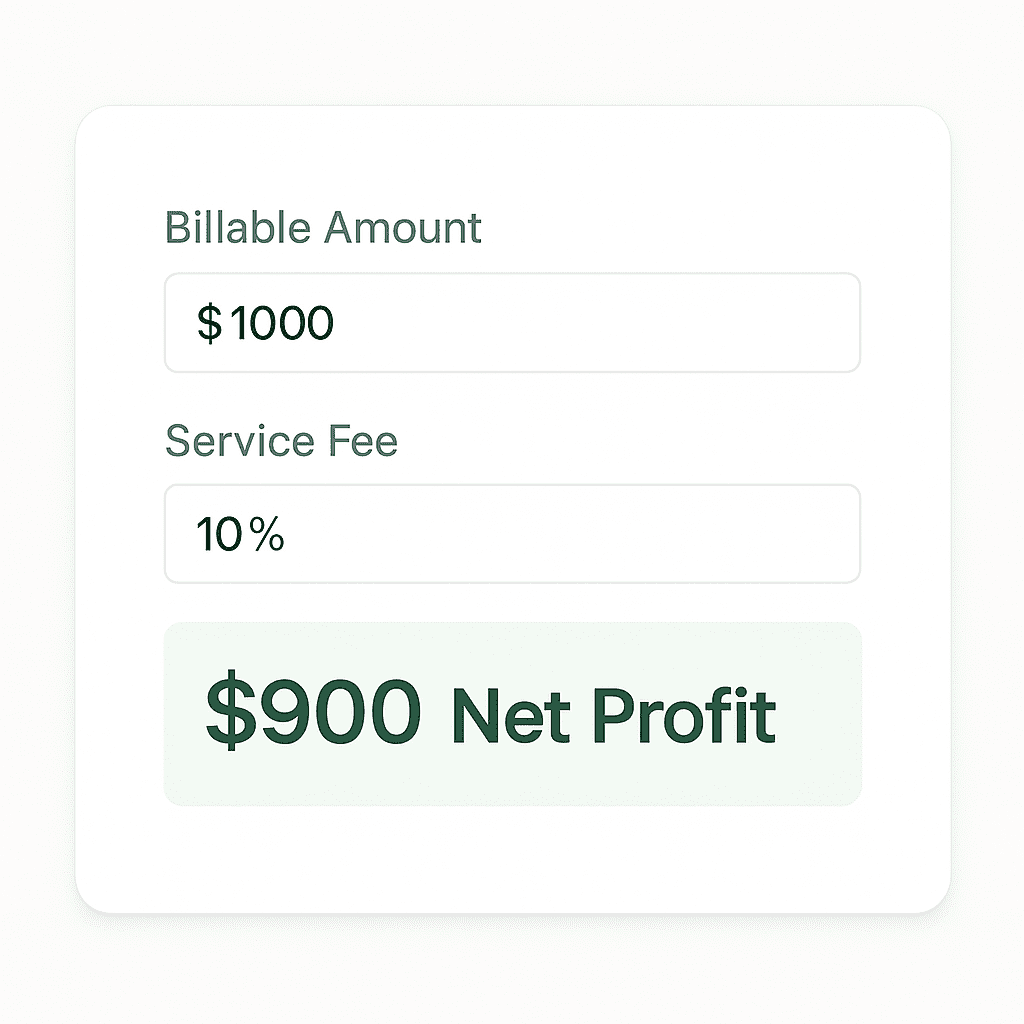
We designed this tool with two specific modes to help you negotiate better rates with clients.
1. “I Want to Charge” (Seller Mode)
Use this when you have a specific hourly or fixed rate in mind (e.g., $50/hr) and want to know your net income.
- Step 1: Enter your total billable amount.
- Step 2: Select your fee structure (Standard 10% or New Variable).
- Step 3: See your Net Profit immediately.
2. “I Want to Receive” (Client Mode)
Use this when you have a strict income goal (e.g., “I need $100 in my pocket”).
- Step 1: Enter your desired take-home pay.
- Step 2: The tool calculates the exact “Gross Amount” you must charge the client to cover all Upwork fees.
New Upwork Service Fees: The 2025 Variable Update
If you have been freelancing for a while, you likely remember the old “sliding scale” or the recent “Flat 10%” rule. As of May 2025, Upwork has changed the pricing model again.
The Variable Fee System (0% to 15%)
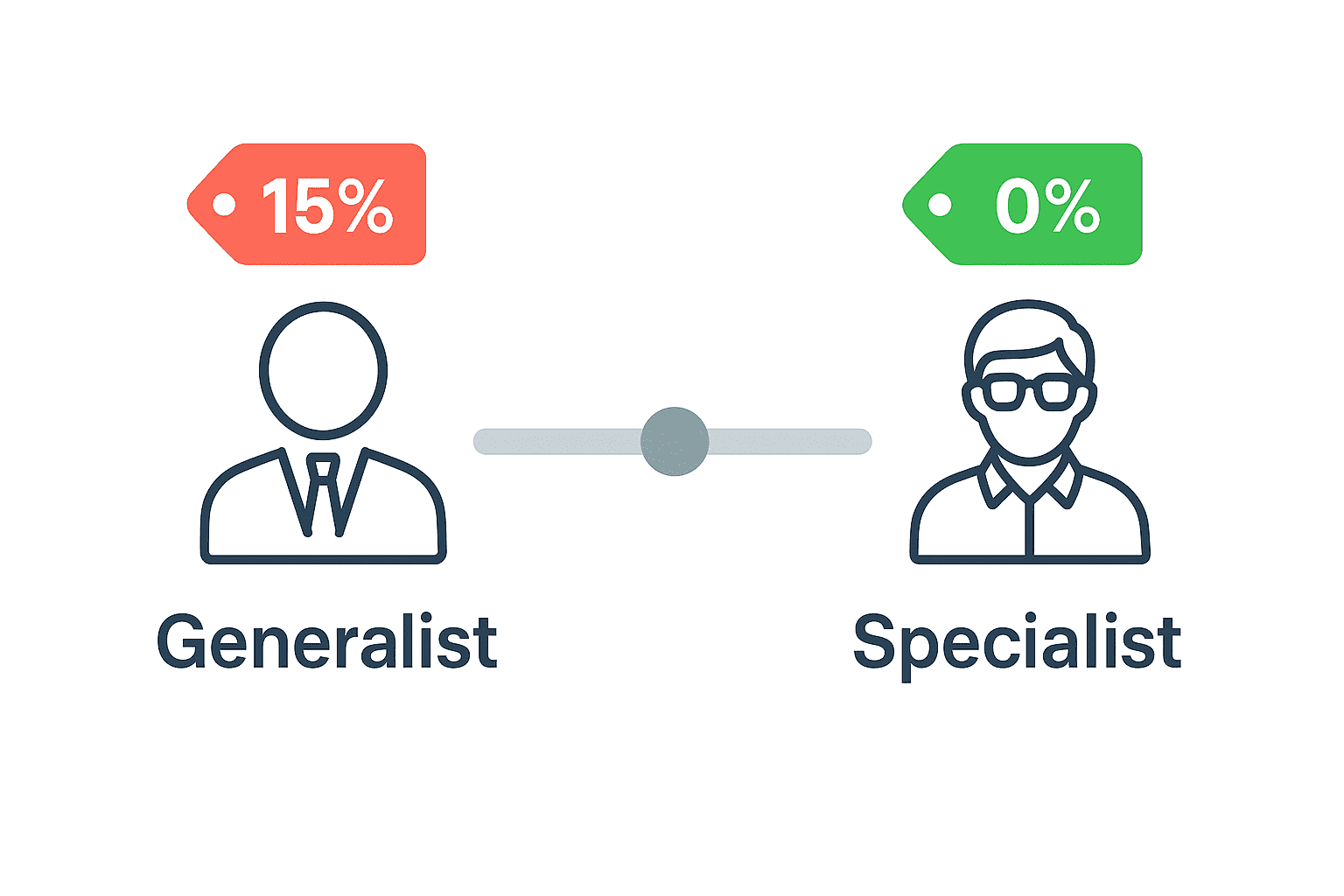
For all new contracts, Upwork applies a variable service fee. This fee is determined by supply and demand for your specific skill category.
- High-Demand Specialists: May qualify for fees as low as 0-5%.
- Generalist Categories: May see fees up to 15%.
Note: Always check the specific fee percentage listed on your contract offer before accepting.
What About Legacy Contracts?
If you started a contract before May 2025, you are likely “grandfathered” into the previous Flat 10% fee structure. Refer to Upwork’s Official Service Fee Policy for the latest grandfathering rules.
Upwork Withdrawal Fees: The Hidden Cost
Many freelancers calculate the service fee but forget the cost of moving money off the platform. These “hidden costs” vary depending on your withdrawal method.
| Withdrawal Method | Fee (USD) | Processing Time | Best For… |
| Direct to Local Bank | $0.99 | 2-4 Days | Non-US Freelancers (INR, PHP, BDT, etc.) |
| Payoneer | $2.00 | Instant | Countries without PayPal access |
| Wire Transfer | $30.00 | 3-5 Days | Large transfers ($10k+) only |
| PayPal | $2.00 | Instant | Quick cash (Beware of high exchange rates) |
| US Bank (ACH) | FREE | 1-3 Days | US Residents or Wise Account holders |
Pro Tip: Avoid Exchange Rate Losses
If you use the “Direct to Local Bank” method, be aware that Upwork’s banking partners often charge a currency spread of 2-4% above the mid-market rate.
Pro Tip: To save money, many freelancers withdraw to a Wise (formerly TransferWise) US account via ACH (Free), and then convert currency within Wise at the real market rate.
How to Reduce Upwork Fees Legally
You can’t avoid fees entirely, but you can minimize them.
- Use Direct Contracts: If you bring your own client to Upwork, you pay only a 3.4% – 5% processing fee instead of the full service fee.
- Raise Your Rates: Use the “Client Mode” in our calculator above to pass the fee cost onto the client.
- Long-Term Contracts: Historically, Upwork rewards long-term relationships. Stick with one client to potentially unlock lower variable rates in the future.
Comparison: Upwork vs. Fiverr vs. Freelancer Fees
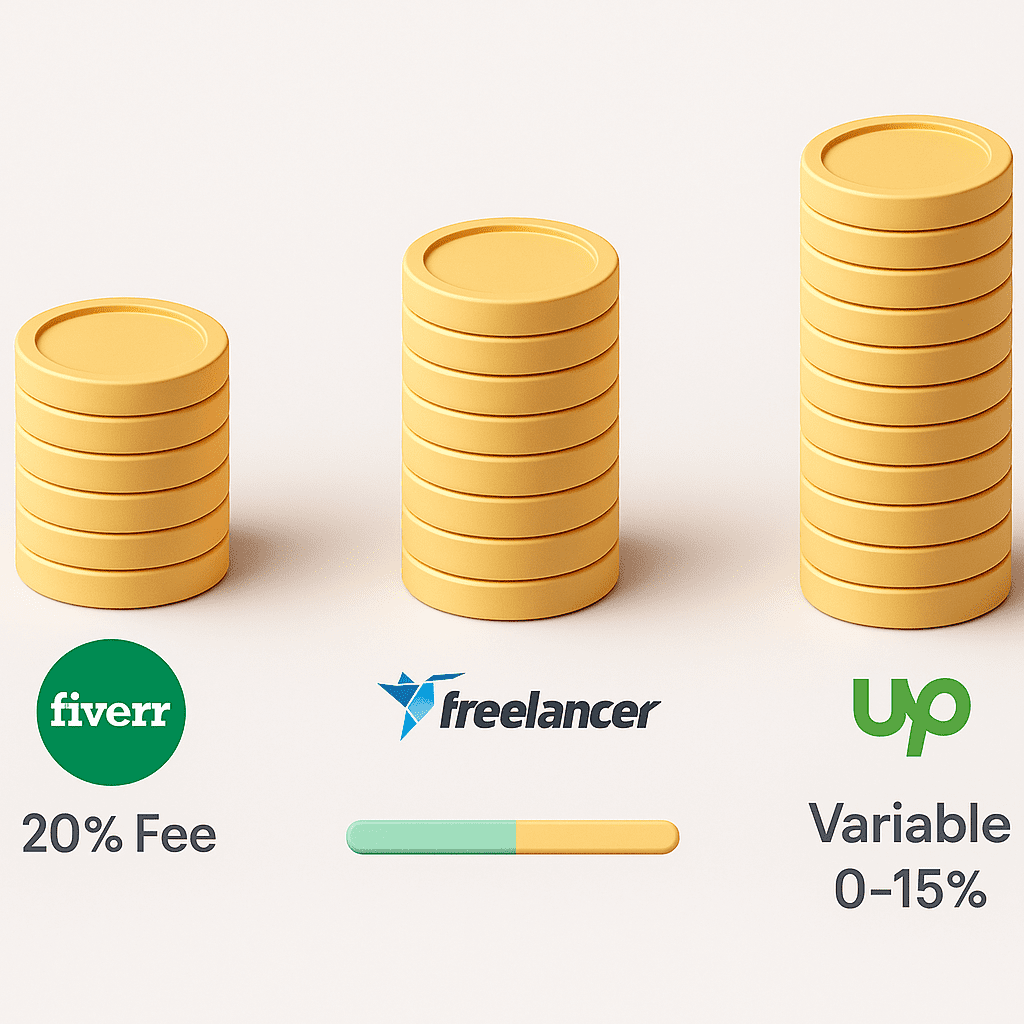
Are you on the most profitable platform?
- Fiverr: Flat 20% fee on all earnings.
- Freelancer.com: 10% or $5.00 (whichever is greater).
- Upwork: 0-15% (Variable).
Verdict: For high-ticket freelancers, Upwork remains the cheaper option compared to Fiverr’s steep 20% cut.
Frequently Asked Questions (FAQ)
Does Upwork charge the client or the freelancer?
Both. Freelancers pay a service fee (deducted from earnings). Clients pay a Marketplace Fee (usually 5%) on top of their payment, plus a contract initiation fee.
How is the Upwork fee calculated?
The fee is calculated on the gross amount of every transaction. If you earn $100 and have a 10% fee, Upwork takes $10, and you receive $90.
Can I avoid Upwork fees by paying off-platform?
No. taking payment off-platform for a client found on Upwork is a violation of the Terms of Service and will result in a permanent account ban.